Node.jsをインストールするため、バージョンを選択できるnodebrewをインストールします。
|
1 |
curl –L git.io/nodebrew | perl – setup |
こちらでインストールは完了します。
以下のコマンドでパスを通します。PATHと言う名前の環境変数に~/.profileを代入しています。
|
1 |
echo ‘export PATH=$HOME/.nodebrew/current/bin:$PATH’ >> ~/.profile |
以下の方法でパスが通ったかの確認をします。
|
1 |
nodebrew |
すると
|
1 2 3 4 5 6 |
Usage: nodebrew help Show this message nodebrew install <version> Download and install <version> (compile from source) nodebrew install–binary <version> Download and install <version> (binary file) nodebrew uninstall <version> Uninstall <version> nodebrew use <version> Use <version> |
と出てきたらnodebrewのインストールは成功です。
node.jsをインストールしましょう。https://nodejs.org/ja/にアクセスして安定版のバージョンを確認しましょう。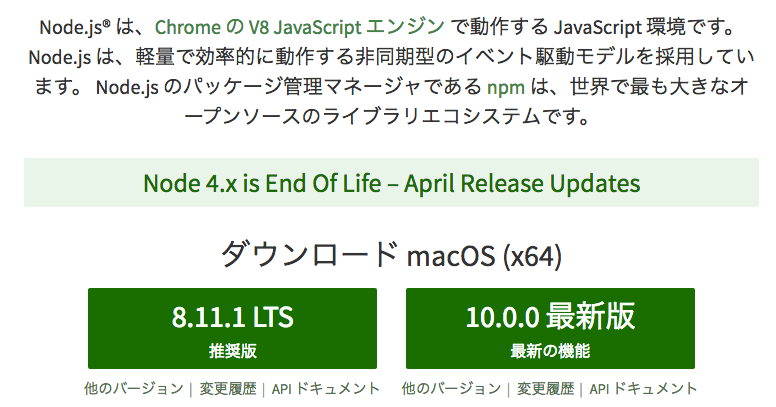
|
1 |
nodebrew install–binary v8.11.1 |
|
1 |
nodebrew use v8.11.1 |
そして実際にインストールされたかを確認しましょう。
|
1 |
node —version |
v8.11.1と表示されればインストールは成功です。